What problem does it solve?
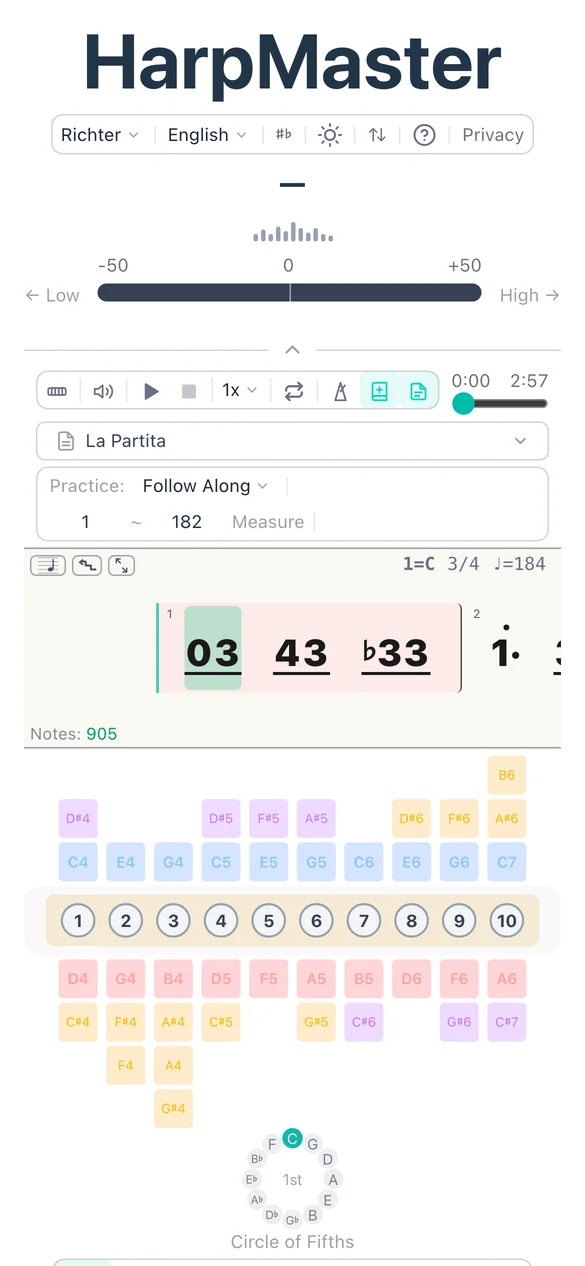
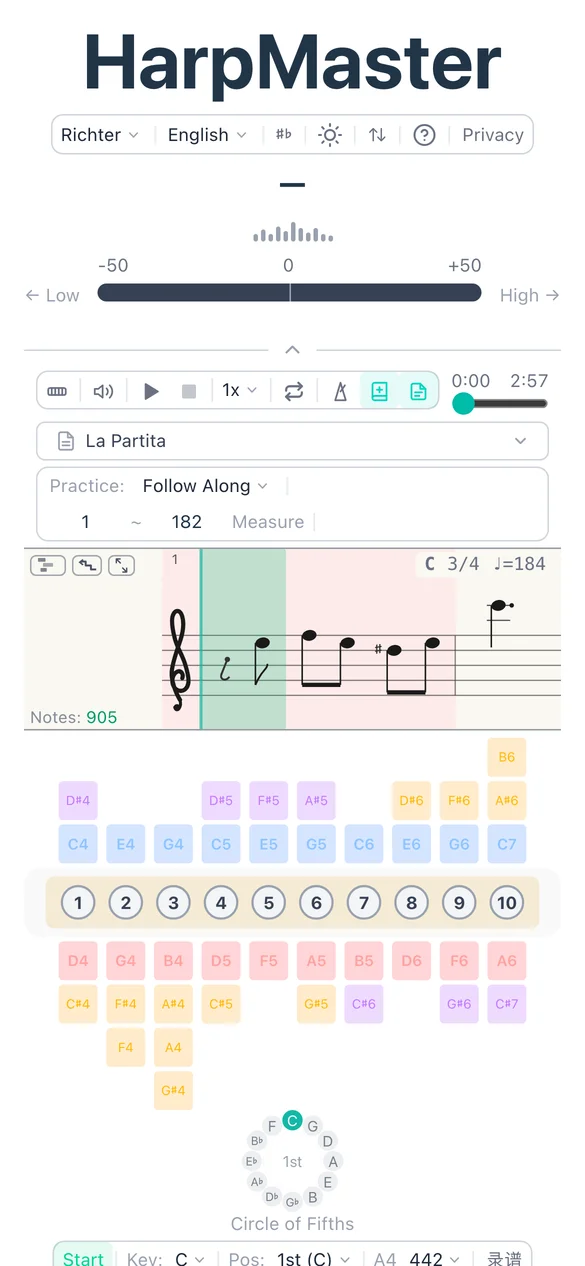
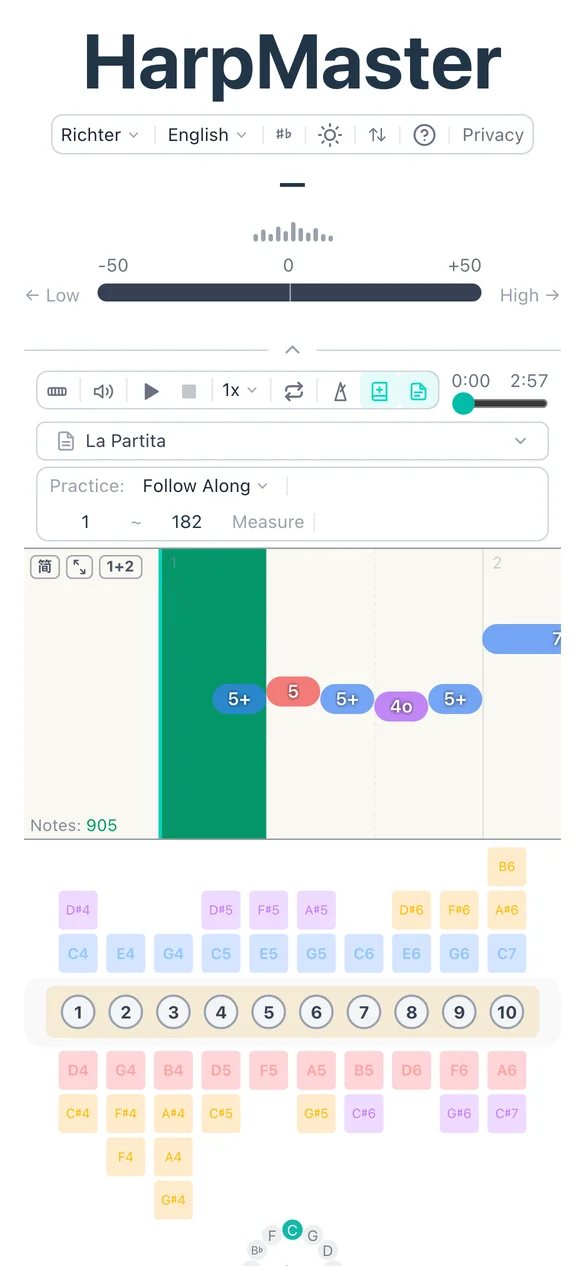
Can’t read staff notation? Only comfortable with Jianpu? Want to see which hole each note maps to? HarpMaster’s dynamic score lets you switch between three views and follow along with MIDI playback in real time — whatever reading background you bring, there’s a view that clicks.
Core capabilities
- Piano roll view — clearest time-vs-pitch layout, with a playhead marking current position
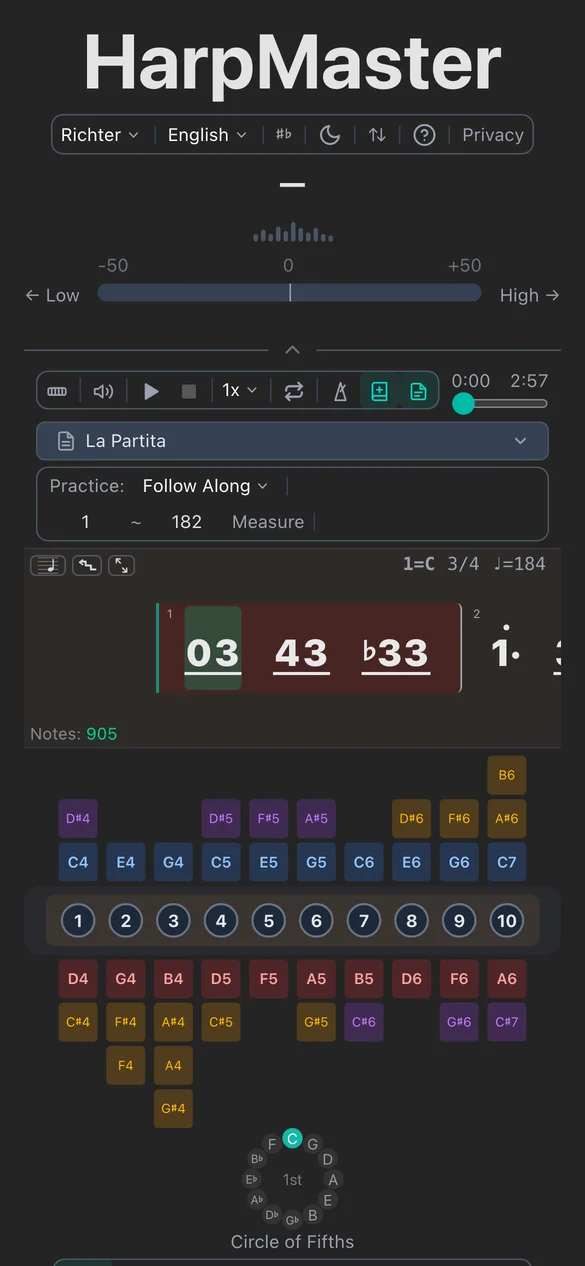
- Jianpu (numbered) view — 1–7 degree notation with octave dots, accidentals, repeats
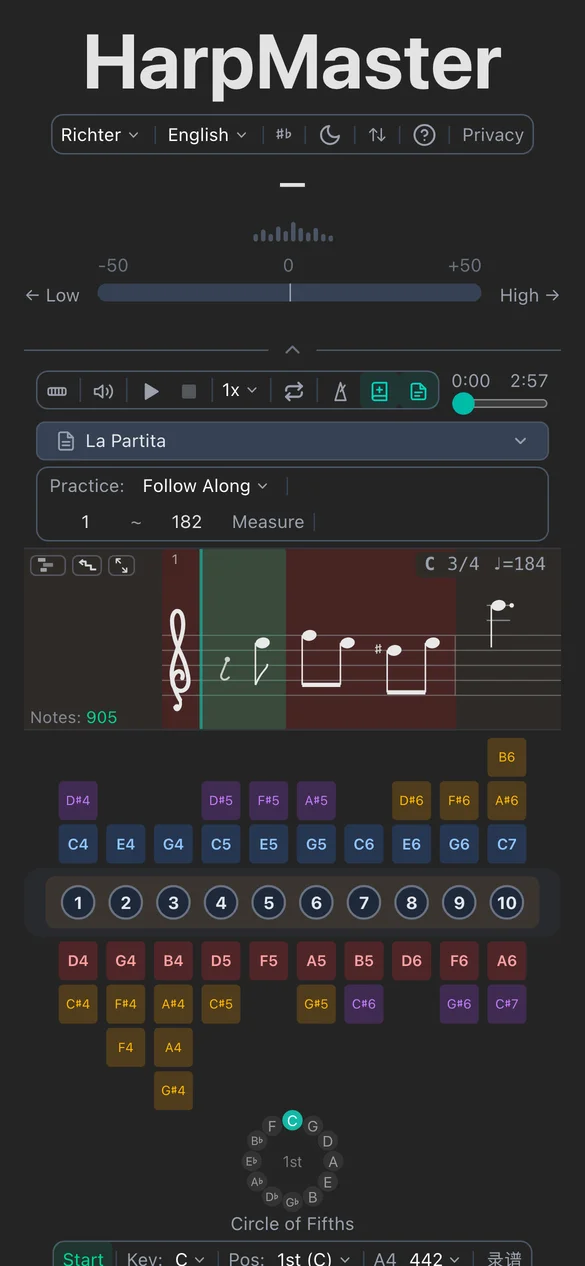
- Staff notation view — standard five-line staff with key signature and accidentals
- TAB labels — hole numbers + blow/draw/bend glyphs overlaid on every note block
- Measure loop — tap measure numbers to set loop start and end for targeted practice
- Current measure highlight — clear visual progress as the piece plays
How it works
MIDI files are parsed for tempo, time signature, and note events, with a precomputed beat grid. The Jianpu and staff views each have their own quantizer — snapping arbitrary-length MIDI notes to musical rhythmic patterns (quarter, eighth, sixteenth, triplets), splitting across beats and measures with correctly-placed ties.
Why this design
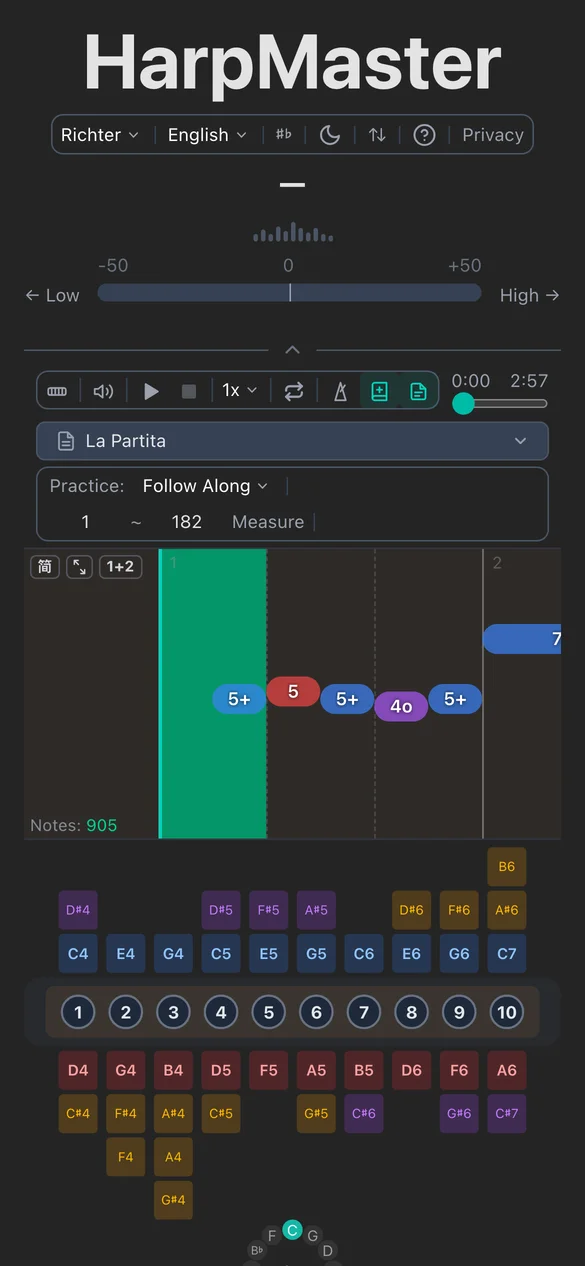
The score isn’t for looking pretty — it’s for helping you see the next note clearly. All views share a CSS-variable-driven color system that adapts to light/dark mode automatically. Piano roll is best for rhythmic intuition, Jianpu is native to Chinese users, and staff notation has the highest information density for musicians with theory background. One toggle, three views, your choice.